
Practical guides
A simple morning routine with a timer
A morning routine can be a short sequence of things you already do. Give each step a little time, put the steps in an order that makes sense, and change the plan when it does not fit.
Start with the morning you actually have
Choose one clear finish, such as being ready to leave home. Work backwards from that point and list only the steps you need. A routine does not need to include exercise, journaling or an early wake-up to be useful to you.
If breakfast is the only part you want to organize, start there. A short routine is easier to adjust than a detailed plan for every minute of the morning.
A five-step example to adapt
Here is a starting point for a morning at home. These times are examples, not targets. Use the time you actually need, and leave extra room before a fixed departure.
| Step | Example time | What to include |
|---|---|---|
| Brush your teeth | 2 minutes | Your usual bathroom routine; adjust the duration to fit. |
| Get dressed | 5 minutes | Clothes and anything you need for the day. |
| Have breakfast | 10 minutes | Prepare, eat and put things away. |
| Check your essentials | 3 minutes | Keys, phone, bag and anything needed for today. |
| Shoes on and leave | 2 minutes | A final step that marks the end of the routine. |
Give transitions some room
The example contains 22 minutes of planned activity. Moving between rooms, waiting for the kettle or finding a missing key may take extra time. Add a separate transition step if that makes the plan more realistic.
If you repeatedly rush through breakfast, change its duration or prepare something the night before. The point is to make the sequence useful, not to beat the timer.
Put the routine into Rotinely
- Choose a starter template or create a new routine with the + button.
- Name it something recognizable, such as “Ready to leave”.
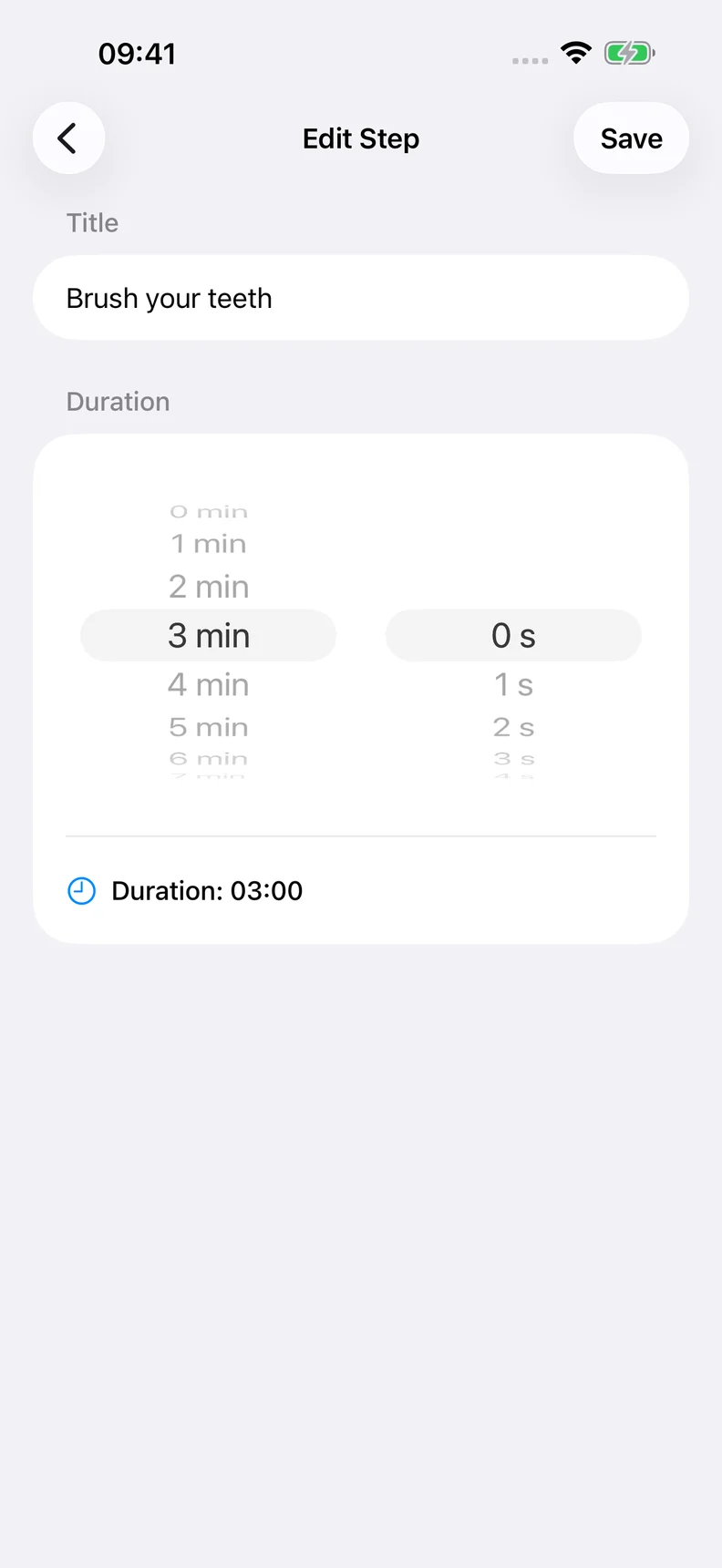
- Add your steps, arrange them in order and set a duration for each.
- Start the routine and focus on the current step. Pause when you need to.
- Tap Next Step when you are ready to move on. Reaching zero does not advance the routine automatically.
You can start with up to three free routines. Weekday schedules and spoken step guidance are optional Pro features; you do not need them to try this example.
Adjust one thing after trying it
After a run, ask which step felt too short, which one you skipped and whether the order worked. Change one of those things before the next morning. Keep steps you find helpful and remove ones that do not belong in your day.
A timer is a guide to the plan. You can pause it, take longer or finish early.